







Editorial disclosure: Shawika provides independent evaluations and guides. When you navigate through links on our site, we may earn an affiliate commission at no extra charge to you.
Managing contracts, technical reports, and daily paperwork often stalls when desktop tools cannot seamlessly communicate with cloud or mobile environments. Within Foxit PDF software, cross-platform functionality serves as an operational backbone, allowing users to edit, convert, and organize documents whether working from a standard desktop application, a web browser, or a mobile operating system. As digital workspaces demand more flexibility, exploring software options in the tech and electronics sector helps uncover productivity tools tailored to modern demands.
Core Editing and Document Productivity
For organizations seeking a robust PDF editor alternative, Foxit PDF Editor delivers comprehensive tools to modify text, replace images, adjust formatting, and restructure multipage files. Documents can be split, combined, or exported into everyday formats like Microsoft Word, Excel, and PowerPoint without disrupting structural layout. Beyond basic modifications, Foxit provides tools to rotate, extract, and rearrange pages within seconds.
Document handling frequently requires official approval, making secure signing integral to daily administrative tasks. With Foxit eSign tools, users can prepare, send, track, and complete legally binding electronic agreements. These standardized signature workflows reduce paperwork delays across human resources, procurement, and commercial sales processes while maintaining rigorous audit readiness.
Expanding Foxit PDF Software with AI and Smart Automation
Document intelligence has expanded beyond basic optical character recognition. The built-in PDF AI Assistant allows teams to summarize long-form reports, translate content across multiple languages, and chat directly with complex files to retrieve targeted information rapidly.
Security-conscious teams also rely on Smart Redact, which automatically detects sensitive personal details, account numbers, and regulated information before permanently removing them from public-facing documents. At enterprise scale, server-driven tools like Maestro Server OCR convert backlogged scanned archives into fully indexed, searchable records. Organizations handling large volumes of data can review available configurations on the Foxit official platform to streamline system-wide file conversion and compression.
Developer Platforms and Industry-Specific Integrations
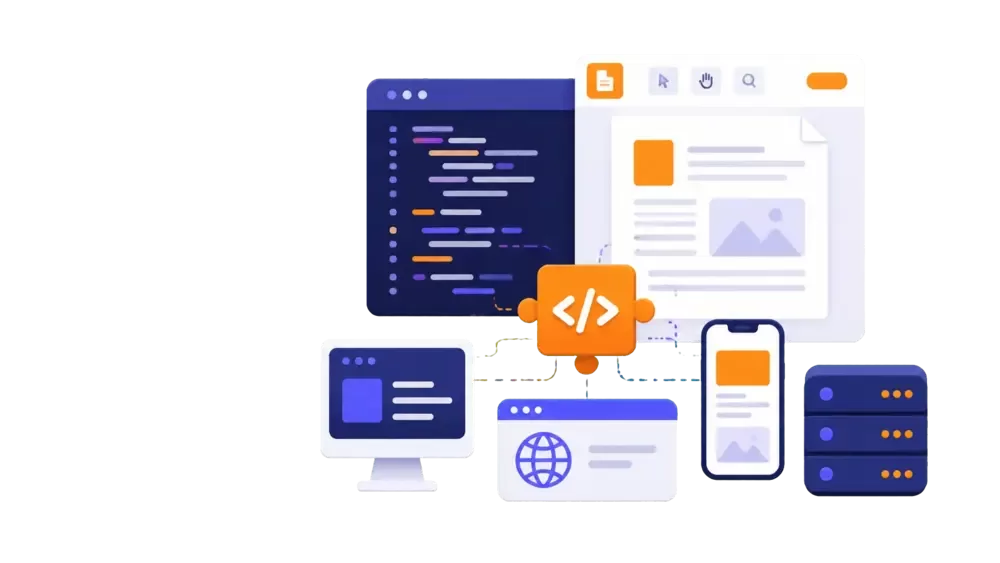
Beyond packaged end-user software, Foxit supplies comprehensive developer SDKs and cloud-based APIs. These tools allow engineers to embed interactive PDF viewers, dynamic document generation, and customized eSignature capabilities directly into web portals, iOS, Android, and Windows systems. This flexible architecture ensures organizations maintain branded, internal workflows without sending users to external software suites.
Regulated industries such as healthcare, banking, legal, and public sector governance benefit from specialized integrations. Foxit connects directly with enterprise storage repositories, Microsoft 365 environments, and cloud document hubs, enabling automated retention policies and secure document sharing across high-compliance operational ecosystems.
Choosing the Right Foxit Document Setup for Your Needs
Selecting the appropriate setup depends largely on your operational scope and technical requirements. Users with basic reading, annotation, and review tasks can utilize the free Foxit PDF Reader for reliable everyday viewing. However, business users who routinely author content, standardize templates, or redact private client data require the full editing suite across desktop and cloud interfaces.
If your daily operations revolve around contract execution or multi-party approvals, incorporating eSign licenses eliminates the friction of maintaining fragmented signature vendors. Meanwhile, enterprise IT teams managing massive repositories should evaluate server automation tools to compress files and run batch OCR routines. Ultimately, adopting Foxit PDF software offers a balanced, scalable suite for handling routine paperwork, compliance redaction, and enterprise-wide digitization.